The Bottom Line
"A cheap sub-$60 dual-screen travel utility ruined by muted color accuracy, dim 220-nit panel brightness, quiet tinny speakers, and loose mini-HDMI port connections."
What We Like
- ✓Ultra-affordable sub-$60 price point
- ✓Lightweight 1.4 lb frame with built-in kickstand
- ✓Single USB-C cable pass-through for power and video (DP Alt Mode)
- ✓VESA mountable holes on back
What We Don't Like (Downsides)
- ×Dull, washed-out color gamut (65% sRGB / 45% NTSC coverage)
- ×Dim peak brightness (220–250 nits) struggles near sunny windows
- ×Quiet 1W internal speakers sound muffled and tinny
- ×Fragile Mini-HDMI & USB-C ports exhibit loose cable fitment
- ×Requires auxiliary power supply if laptop USB-C lacks DisplayPort Alt Mode
Budget travelers needing a secondary screen for spreadsheets & coding, Casual second monitor for Discord / Slack next to a laptop
Photographers & video editors requiring accurate color calibration, Users working in bright coffee shops or outdoor environments, Gamers seeking high 120Hz/144Hz refresh rates or deep contrast, Anyone expecting rich, room-filling speaker audio
Downside Compromise Score
Measures how many negative trade-offs this product demands.
Don't Buy Yxk Portable Monitor 15.6 Inch 1080P 60Hz If...
If any of these conditions apply to your use case, save your money or look at alternatives.
- Photographers & video editors requiring accurate color calibration
- Users working in bright coffee shops or outdoor environments
- Gamers seeking high 120Hz/144Hz refresh rates or deep contrast
- Anyone expecting rich, room-filling speaker audio
What the Marketing Doesn't Tell You
Comparing bold manufacturer advertisement claims with independent lab and field testing.
"Vibrant IPS HDR 1080P Display"
HDR mode is software emulation. The budget panel covers only ~65% sRGB, resulting in muted greens, faded reds, and yellow-tinted whites.
"Dual Built-in Speakers for Immersive Audio"
Tiny 1W speakers sound worse than most budget smartphone speakers and distort at volume levels above 70%.
"Seamless Plug and Play Connectivity"
Laptops without DisplayPort Alt Mode require a secondary USB power cable, otherwise displaying a black 'No Signal' screen.
This budget display covers only ~65% sRGB color gamut, resulting in dull, muted colors. Furthermore, peak brightness tops out at a dim 220–250 nits, making it unreadable near bright windows.
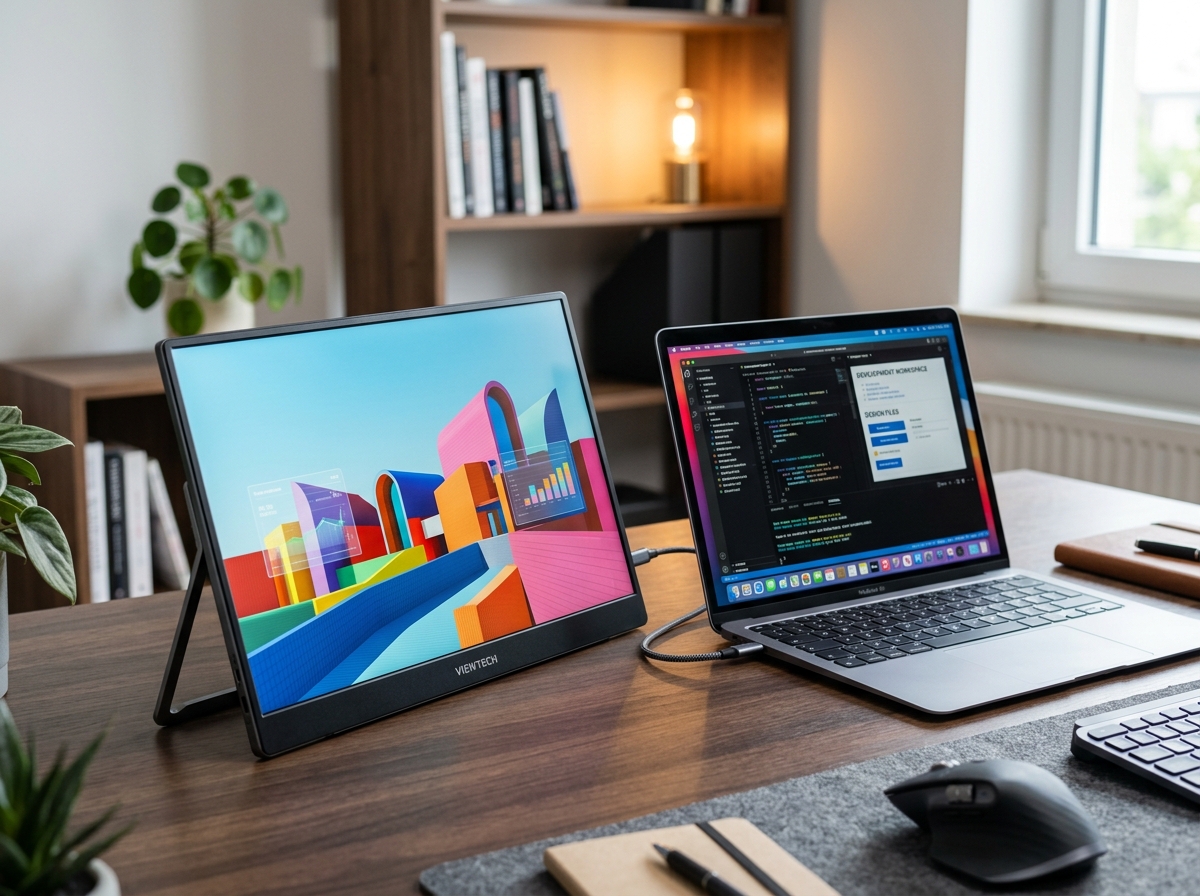
The Yxk Portable Monitor 15.6 Inch 1080P 60Hz is one of dozens of “white-label” budget travel displays sold on Amazon. Priced under $60, featuring USB-C single-cable connectivity, mini-HDMI support, dual speakers, and an integrated VESA kickstand, it attracts digital nomads and remote workers seeking a cheap dual-screen extension for their laptop.
However, the downside first: washed-out 65% sRGB color coverage, dim 220-nit brightness, tinny 1W speakers, and loose mini-HDMI ports reveal why this monitor is so cheap.
1. Washed-Out Colors & Software “HDR” Fake
While retail listings boast “IPS Full HD HDR Display”, real-world panel testing tells a very different story:

- 65% sRGB Color Gamut: Colors look dull and lifeless compared to modern laptop screens. Red tones look muted orange, and skin tones appear pale and yellow-tinted.
- Fake HDR Toggle: Turning on “HDR” in the OSD menu simply boosts contrast artificially, crushing dark shadow details and blowing out highlights.
2. Dim 220-Nit Peak Brightness
If you plan to work in coffee shops, airport terminals, or near sunny windows, this monitor will frustrate you:
- Peak brightness caps out at 220 to 250 nits (compared to 400-500 nits on standard MacBooks or Dell XPS laptops).
- Under direct overhead lighting, the matte anti-glare coating scatters light, making dark text hard to read without straining your eyes.
3. Quiet, Tinny 1W Speakers
The monitor includes dual internal 1W speakers on the sides:
- The speakers produce flat, metallic audio with zero bass response.
- At maximum volume, audio distorts heavily. Most smartphone speakers sound significantly clearer and louder than this monitor’s built-in sound.
4. Port Loose Fitment & “No Signal” Drops
The Mini-HDMI and USB-C ports are soldered directly onto a thin internal PCB:
- Loose Mini-HDMI Connection: The mini-HDMI jack lacks reinforced bracing. Moving the cable slightly while working on a tray table can trigger a black “No Signal” disconnect.
- Power Supply Confusion: If your laptop’s USB-C port does not deliver DisplayPort Alt Mode video signals, the screen remains black unless you plug a separate 5V/2A power supply into the secondary USB-C port.
5. Summary: Useful for Spreadsheets, Terrible for Media
If all you need is a cheap $59 secondary screen for reading text documents, monitoring Slack, or scrolling code while traveling, the Yxk Portable Monitor provides basic utility for minimal money.
However, if you edit photos, watch movies, or want vibrant 100% sRGB color accuracy, skip white-label budget monitors and invest in an ASUS ZenScreen or ARZOPA 100% sRGB portable display.
True Cost of Ownership
Estimated total expenditure over 2 years including hidden secondary costs.
Score Breakdown
Detailed multi-vector rating metrics across key evaluation pillars.
Head-to-Head Comparison
How this product stacks up against key market competitors.
| Product | Price | Overall Rating | Downside Score | Best For | Key Trade-off / Verdict |
|---|---|---|---|---|---|
Yxk Portable Monitor 15.6 Inch 1080P 60Hz Reviewed Item | $59 | 6.8 / 10 | 8.0 / 10 | Budget travelers needing a secondary screen for spreadsheets & coding, Casual second monitor for Discord / Slack next to a laptop | "A cheap sub-$60 dual-screen travel utility ruined by muted color accuracy, dim 220-nit panel brightness, quiet tinny speakers, and loose mini-HDMI port connections." |
ARZOPA 15.6" Portable Monitor | $79 | 7.8 / 10 | 6.2 / 10 | Better contrast & build quality | "Slightly brighter panel and sturdier metal chassis" |
KTC 15.6" Portable Monitor | $69 | 7.2 / 10 | 7.0 / 10 | Budget office travel | "Similar budget panel limitations, but better kickstand" |
Better Alternatives
Consider these options if the downsides of Yxk Portable Monitor 15.6 Inch 1080P 60Hz are dealbreakers for you.
"Far brighter 300-nit panel & 100% sRGB color accuracy"
"Smooth 144Hz refresh rate for portable gaming"
Technical Specifications
Verified manufacturer specifications.
- Screen Size / Type
- 15.6-inch IPS LCD (Anti-Glare)
- Resolution / Refresh
- 1920 x 1080 (1080P) @ 60Hz
- Color Gamut
- ~65% sRGB / 45% NTSC
- Peak Brightness
- 220 - 250 nits
- Ports
- 2x USB-C (Full Function), 1x Mini-HDMI, 3.5mm Jack
- Weight
- 1.4 lbs (635g)
Frequently Asked Questions
Direct answers to common buyer concerns and uncertainties.
Why does my Yxk portable monitor display 'No Signal' when plugged in?
This happens if your laptop's USB-C port does not support DisplayPort Alt Mode (video output). Connect using the included Mini-HDMI cable and plug an auxiliary 5V/2A wall charger into the second USB-C port.
Can I edit photos or color-grade video on this portable monitor?
No. The panel covers only ~65% of the sRGB color space. Colors appear washed out and inaccurate compared to calibrated MacBook or Dell XPS displays.

Written by alex-chen
Verified ReviewerProduct reviewer and independent testing engineer.
Related Product Teardowns
View All Reviews →
Apple AirPods Pro 3
"Exceptional ANC and seamless Apple integration, but the walled garden, non-replaceable batteries, and planned obsolescence make the true cost much higher than the sticker price."
"Non-replaceable batteries limit lifespan"

Apple iPhone 18 Pro Leaks & Early Buyers Teardown (TSMC 2nm A20 Pro, Price Hikes & Under-Display Face ID Delays)
"An impressive TSMC 2nm technological milestone hindered by steep rumored price increases ($1,299+), delayed under-display Face ID, and variable aperture camera features restricted to the $1,499 Pro Max."
"Rumored starting price hikes ($1,299 Pro / $1,499 Pro Max)"

ASUS Vivobook Go 15 OLED Slim Laptop (AMD Ryzen 5 7520U, 8GB LPDDR5 RAM, 512GB SSD, E1504FA-AS54)
"A budget-friendly 15.6-inch laptop crippled by non-expandable 8GB soldered memory, an outdated Zen 2 CPU architecture, dim 250-nit screen, and plastic chassis flex."
"8GB LPDDR5 RAM is permanently soldered to the motherboard (Zero upgrade slots)"